Record or Import
Capture a new recording, import an audio or video file, or bring in a video from Camera Roll to start processing right away.
Verbatim helps you record conversations, import audio or video, generate transcripts, create summaries, translate supported speech into English, and search your saved recordings with on-device AI.
Transcription and AI processing happen on your device. The core workflow works offline and keeps audio and transcripts out of external servers. Start with a 3-day free trial, then upgrade once for unlimited use. No subscription.
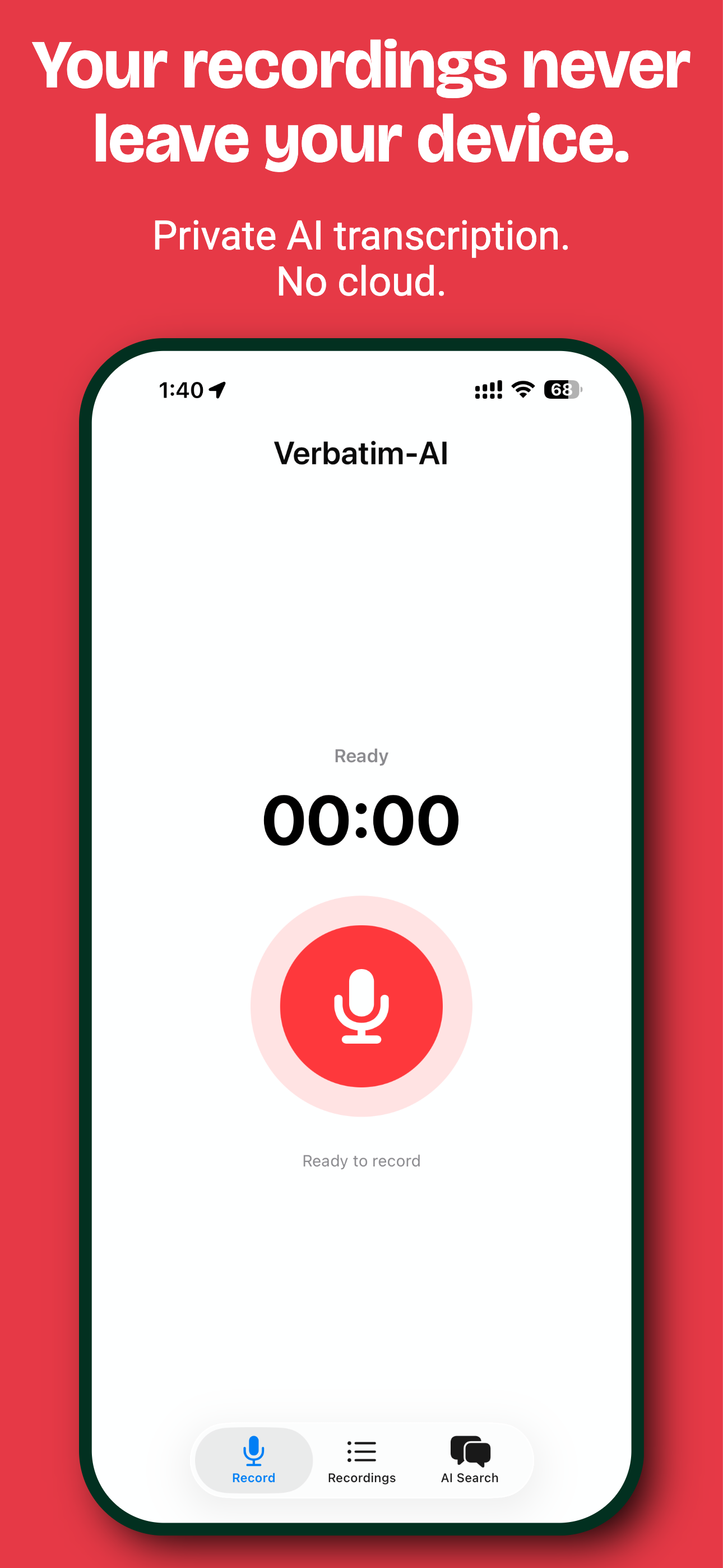
Verbatim stays simple in day-to-day use, but the app now supports more than just recording. You can start from live audio, imported files, or camera-roll video, then review transcripts, summaries, translations, and AI search results from one place.
Capture a new recording, import an audio or video file, or bring in a video from Camera Roll to start processing right away.
Whisper runs on device to turn speech into text without sending audio to external servers.
Use on-device AI to generate summaries, translate supported speech into English, and search recordings by meaning instead of exact words.
Ask questions about your saved recordings in Search mode, or switch to AI mode for a general on-device Llama 3.2 assistant.
Enable the Verbatim keyboard to privately dictate into supported text fields from other apps.
Recordings, transcripts, summaries, translations, and search results remain on the device as part of the app’s local-first design.
Audio, transcripts, summaries, and search stay on the device as part of the app’s local-first design. No cloud processing is required for the core workflow, including transcription and AI review.
Use every feature during the 3-day free trial. When you are ready, upgrade once for unlimited use. No subscription and no recurring monthly fee.
A private on-device workflow for recording, import, transcription, translation, summaries, AI search, and keyboard dictation.